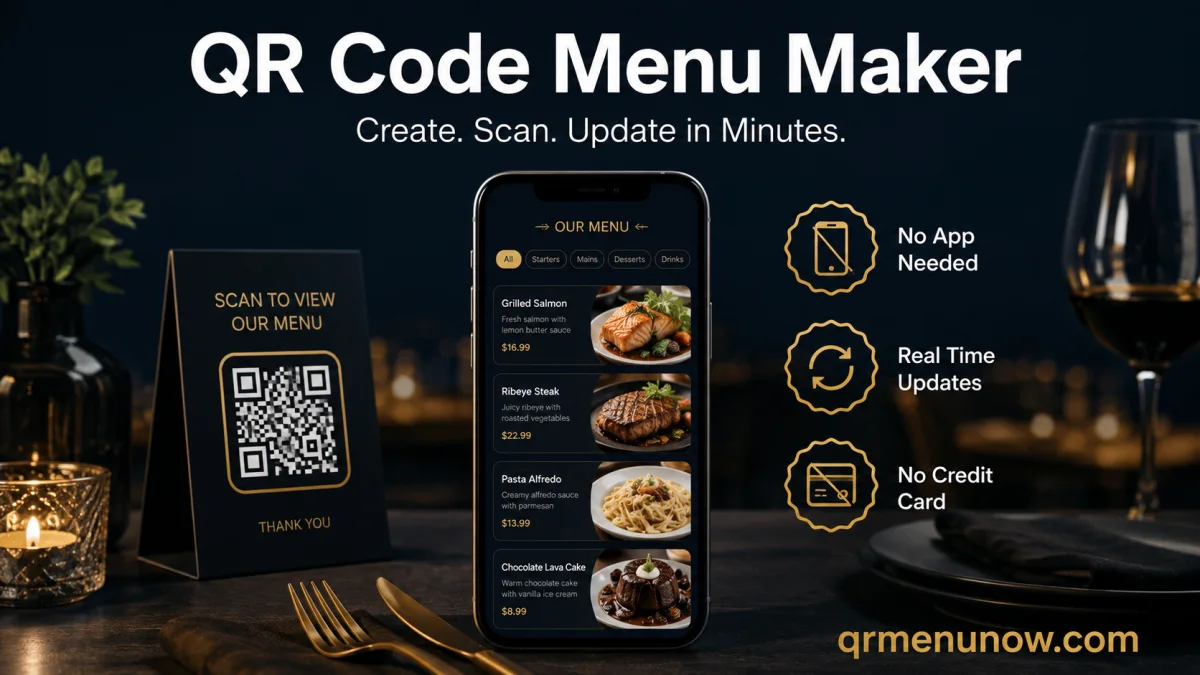
If you have been searching for a QR code menu maker for your restaurant, you have already figured out the basic idea: guests scan a code, your menu opens on their phone, and you never pay for another reprint. What most guides skip is everything that happens after the scan — and that is where the real difference between a useful tool and a frustrating one shows up.
This guide covers what a QR code menu maker actually does, what separates a good one from a basic one, and how to create a QR code menu that works in real service — not just in a demo. If you are new to digital menus entirely, start with our overview of what a QR code menu is and how it works.
What Does a QR Code Menu Maker Actually Do?
A QR code menu maker is a platform that lets you build a digital menu, host it online, and generate a scannable QR code that links directly to it. When a guest points their phone camera at the code, the menu opens instantly in their browser — no app download, no waiting time, no friction.
But the tool is more than a QR code generator. The generator is just the last step. What actually matters is what happens before and after:
- →Before: you build your menu — categories, items, descriptions, prices, photos
- →During: guests scan your QR codes, browse in real time, and place orders
- →After: you update my menu instantly — price changes, sold-out items, daily specials — without reprinting anything
A QR code menu maker that only handles the middle step — generating the code — forces you to do everything else manually. The best tools handle the full cycle.
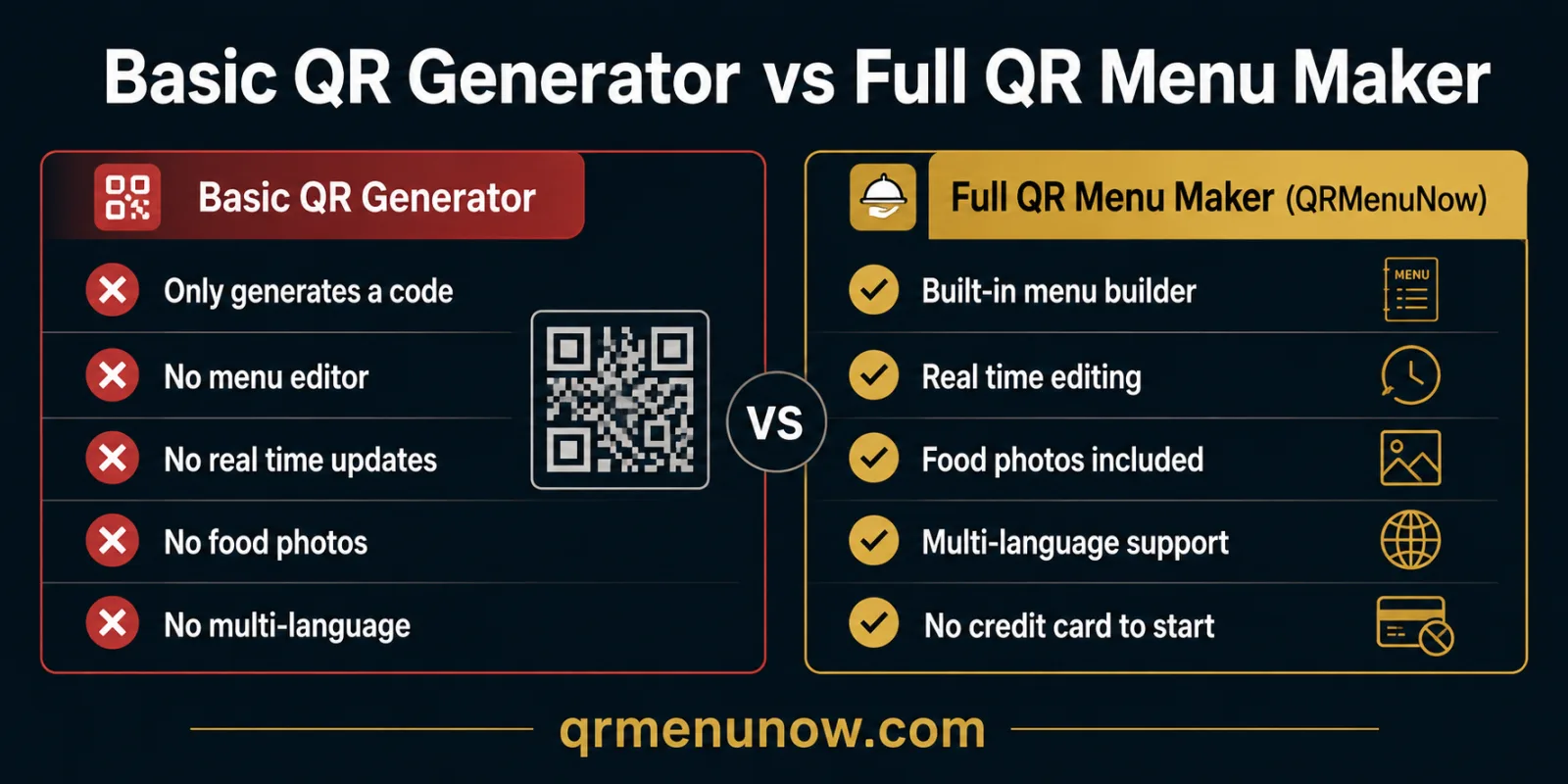
What Separates a Good QR Code Menu Maker From a Basic One
Most platforms can generate a QR code. Fewer can deliver a genuinely good customer experience. Here is what to look for:
| Feature | Basic Tool | Full QR Menu Maker |
|---|---|---|
| QR code generator | ✓ | ✓ |
| Real time menu editing | ✗ | ✓ |
| Food photos per item | ✗ | ✓ |
| Multi-language support | ✗ | ✓ |
| No credit card to start | Varies | ✓ |
| Per-table QR codes | ✗ | ✓ |
How to Create a QR Code Menu: Step by Step
Here is how to create a QR code menu with QRMenuNow from start to finish. The whole process takes under five minutes for a standard restaurant menu.
- 1 Create your account — no credit card required to get started. Add your restaurant name and you are in.
- 2 Build your menu structure — add categories (Starters, Mains, Desserts, Drinks) and fill in your items with names, descriptions, and prices.
- 3 Upload photos — add food photos to any item. Smartphone photos taken in good light work well. You can add or update photos anytime without taking the menu offline.
- 4 Generate your QR code — QRMenuNow creates a unique QR code for your menu automatically. Download it in print-ready format.
- 5 Print and place — put your QR code on table tents, stickers, or cards. Guests scan your QR codes with their phone camera the moment they sit down.
For a deeper walkthrough of the setup process, see our full guide on how to create a QR code menu for your restaurant.
Real Time Updates: The Feature That Changes Everything
The most underrated feature of a good QR code menu maker is not the design or the QR code generator — it is the ability to update my menu in real time, from anywhere, during a live shift.
Think about what this replaces. A dish sells out at 7pm on a Friday. With a printed menu, your staff spends the rest of the night apologizing to guests who order it. With a digital menu, you mark it unavailable in ten seconds from your phone. Every guest who scans after that sees the updated menu — the waiting time for that awkward conversation drops to zero.
The same logic applies to price changes, seasonal updates, and daily specials. Real time editing means your menu reflects reality — always.
How a QR Code Menu Improves Customer Experience
A well-built digital menu does not just replace paper — it actively improves the customer experience at several points in the guest journey.
| Moment | Printed Menu | QR Code Menu |
|---|---|---|
| Guest sits down | Waits for server to bring menu | Scans QR code instantly |
| Browsing | Text only, no photos | Photos, descriptions, allergens |
| Item unavailable | Awkward conversation, disappointment | Not shown — no disappointment |
| Foreign language guest | Cannot read the menu | Switches to their language |
| End of meal | No follow-up possible | Review prompt, feedback loop |
For a full breakdown of what makes a QR menu system genuinely effective for restaurants, see our guide on what makes a QR code menu system actually work.
Menu Psychology: How Your Digital Menu Design Affects Sales
How you structure your digital menu has a direct effect on what guests order and how much they spend. This is not guesswork — menu engineering is a well-studied field, and the principles apply directly to QR menus.
- ✓Put your highest-margin items first in each category — guests read top to bottom and left to right, just like a page.
- ✓Use photos selectively — featuring three or four items with strong photos draws attention to those dishes specifically.
- ✓Write descriptions that sell — "slow-roasted lamb shoulder, rosemary jus" outperforms "lamb" every time.
- ✓Keep categories tight — too many options cause decision fatigue. Seven to ten items per category is a strong target.
For a deeper look at menu design principles, see our full guide on menu psychology and how to design a menu that sells more.
Frequently Asked Questions
Do I need a credit card to create a QR code menu?
No. QRMenuNow lets you start your free trial and build your full menu without entering a credit card. You only need payment details when you decide to continue with a paid plan.
How do guests scan your QR codes?
Modern smartphones scan QR codes automatically using the built-in camera app — no separate QR code scanner or app download needed. Guests simply point their camera at the code and the menu opens.
Can I update my menu after it goes live?
Yes, in real time. Any change you make — price update, sold-out item, new daily special — is visible to guests immediately after you save it. There is no need to regenerate or reprint anything.
What is the difference between a QR code generator and a QR code menu maker?
A QR code generator creates a scannable code that links to a URL — that is all it does. A QR code menu maker includes the full system: menu builder, hosting, real time editing, photo support, and the QR code generator as one of its final steps.
Can I create a QR code menu for multiple locations?
Yes. QRMenuNow supports multiple restaurant locations under one account, each with its own menu and QR codes.
Does a digital menu help with Google reviews?
It can. A smooth digital experience gives you natural moments to ask guests for feedback before they leave. For the full strategy, see our guide on how to get more Google reviews for your restaurant.
Ready to create a QR code menu for your restaurant? QRMenuNow gives you everything in one place — menu builder, real time editing, food photos, multi-language support, and your QR code — with no credit card required to start. Start your free trial today →