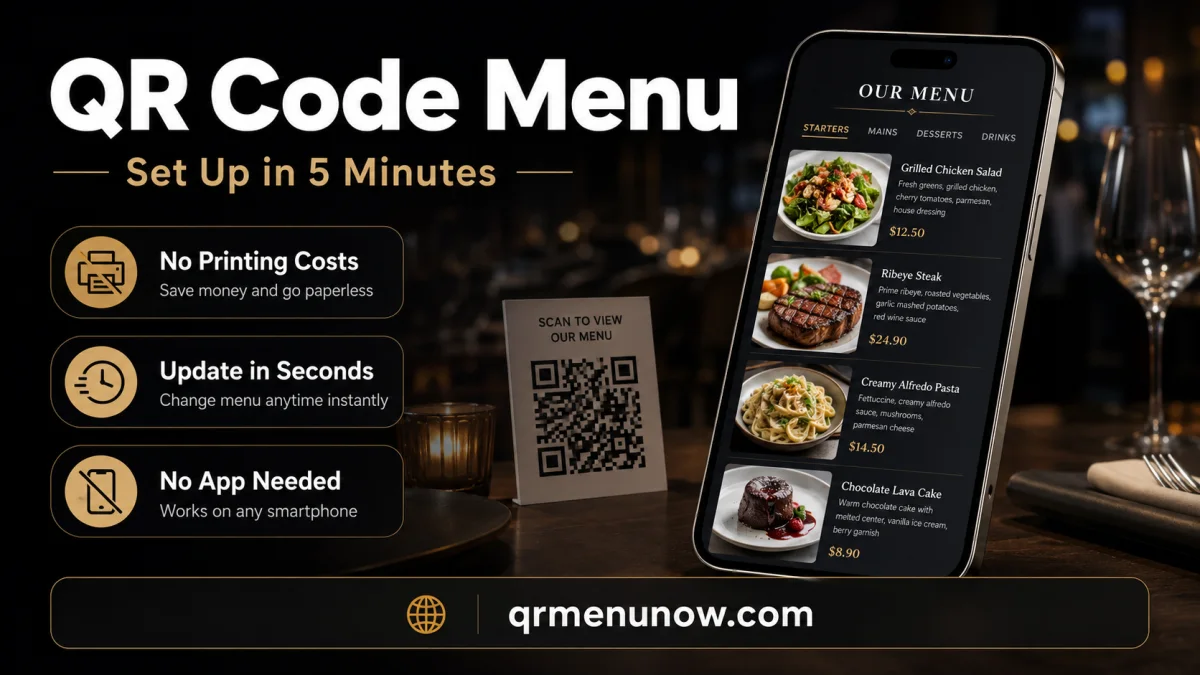
Every restaurant owner searching for a "free QR code menu" is asking the same question: Can I stop paying for printed menus, stop waiting weeks for reprints, and give my guests a better experience — without a big upfront cost?
The answer is yes. This guide explains exactly what a QR code menu costs (and what it does not), what to look for in a platform, and how to get your restaurant's digital menu live today. If you are completely new to the concept, start with our overview of what a QR code menu is and how it works.
What Is a QR Code Menu for Restaurants?
A QR code menu is a scannable code — printed on a table card, menu stand, or sticker — that opens your restaurant's full menu directly on a guest's smartphone. No app download. No paper to handle. No waiting for a server.
The guest points their phone camera at the code, the menu opens in a browser, and they browse categories, view food photos, and make their choice — all from their own device. For the restaurant, the menu lives online: update a price, mark a dish sold out, or add a daily special in seconds. Every guest scanning after that change sees the new version immediately.
According to research published by the National Library of Medicine, contactless dining technology — including QR menus — significantly improved guest confidence in restaurant hygiene and reduced perceived risk during and after the pandemic period. That shift in guest expectation has become permanent.
What Printed Menus Actually Cost You
Printed menus made sense when the alternative was nothing. In 2026, the alternative updates in seconds and costs a fraction of the price. Here is what a typical restaurant spends on print menus each year:
| Cost Item | Printed Menu | QR Code Menu |
|---|---|---|
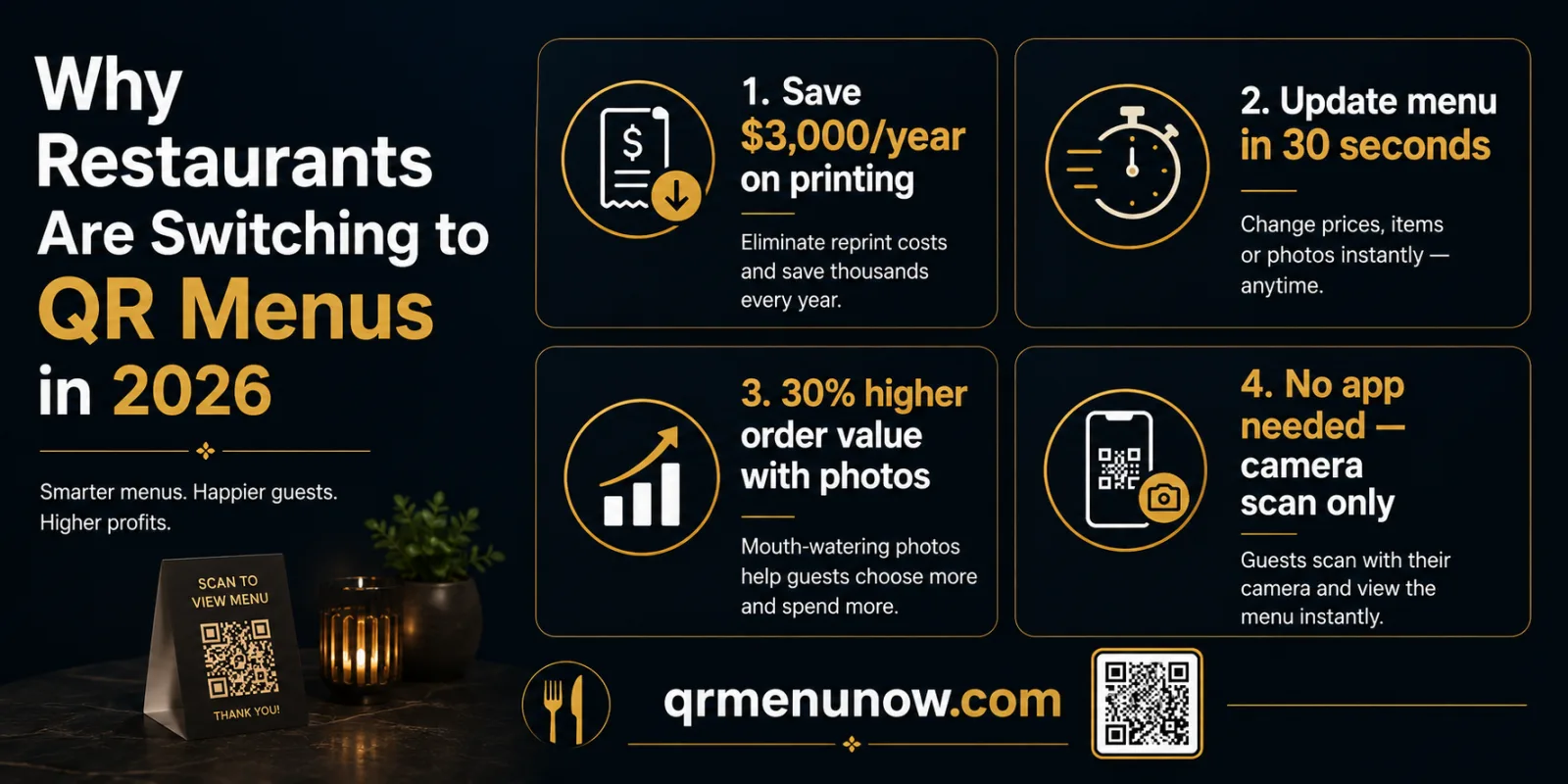
| Design & reprint (3x/year) | $1,500 – $9,000 | $0 |
| Lamination & replacements | $200 – $600/year | $0 |
| Menu update turnaround | 1 – 3 weeks | Instant |
| Outdated price errors | Common | Impossible |
| Monthly platform cost | $0 | $15 – $40/month |
The math is straightforward. A restaurant reprinting menus three times a year — not unusual with seasonal changes, price adjustments, and supplier shifts — spends far more than any digital platform costs.
What "Free" Actually Means — and What to Watch Out For
Searching for a free QR menu will surface dozens of platforms. Here is what you will actually find behind those claims:
- ✓True free tiers — some platforms offer limited free plans: a small number of menu items, categories, or monthly scans. Fine for testing, not for a real service.
- ✓Free trials — most professional platforms offer 14–30 days free so you can build your full menu and evaluate it before paying anything.
- ✗Free PDF-to-QR converters — these generate a QR code that links to a PDF. PDFs load slowly, zoom badly, and are not designed for mobile. This is not a digital menu.
- ✗Hidden costs — per-scan fees, transaction commissions on orders, or essential features locked behind expensive tiers.
The right question is not "is there a free option?" It is: "what do I get, and what does the upgrade include?"
What a Good QR Menu Platform Must Have
Not all QR menu tools are built the same. Before choosing one, check for these five things:
| Feature | Why It Matters |
|---|---|
| Real-time editing | Change prices or availability from your phone during a live shift |
| Food photos | Menus with photos drive up to 30% higher order value on featured items |
| Mobile-first design | Guests browse on phones — the menu must work perfectly on a small screen |
| Multi-language support | Essential for international guests — one menu, multiple languages |
| Flat pricing | No per-scan fees or commissions — your cost stays the same as you grow |
How to Set Up a QR Code Menu in Under 5 Minutes
Here is the actual process with QRMenuNow, step by step. For a deeper walkthrough, see our full guide on how to create a QR code menu for your restaurant.
- 1 Sign up and create your restaurant profile — add your restaurant name and you are in.
- 2 Add your menu categories — Starters, Mains, Desserts, Drinks. Takes about one minute.
- 3 Add your items — name, description, price, and a photo if you have one. You can add photos later.
- 4 Generate your QR code — QRMenuNow creates it automatically. Download it instantly.
- 5 Print and place on tables — table tent, sticker, or card. Any printer works.
Your menu is live. Every guest who scans sees your current menu, in real time, from that moment forward.
QR Menu vs. Printed Menu: Full Comparison
| Printed Menu | QR Code Menu | |
|---|---|---|
| Update speed | 1–3 weeks | Instant |
| Annual cost | $2,000+ | $180–$480 |
| Food photos | Expensive to print | Included |
| Multiple languages | Separate print runs | One menu, any language |
| Sold-out items | Crossed out by hand | Hidden in one tap |
| Guest data & analytics | None | Full scan & view data |
For a deeper look at how the two approaches compare in practice, see our full breakdown: what makes a QR code menu system actually work.
Does a QR Menu Work for International Guests?
If your restaurant is in a tourist area, a city center, or anywhere guests come from different countries, multi-language support is not a nice-to-have. A guest who cannot read your menu in their language is more likely to order the safest, cheapest item — or to leave.
A proper QR menu platform stores each item in multiple languages simultaneously. One update — say, a price change — applies to every language version at once. There is no risk of the Arabic or Russian version showing outdated information while the English version is current.
For restaurants in markets like the UAE, the Caucasus, or tourist destinations across Europe, this is one of the strongest practical arguments for switching. Our guide to digital menus for restaurants in Dubai and the UAE covers the language requirements specific to that market in detail.
Frequently Asked Questions
Is a QR code menu actually free?
Some platforms offer limited free tiers. QRMenuNow offers a free trial so you can build and test your full menu before committing to a plan. Ongoing use is a flat monthly subscription — no hidden fees, no commissions.
Do my guests need to download an app?
No. The menu opens directly in their phone's browser when they scan the QR code with their camera. No download, no account, no friction.
How long does setup take?
Under five minutes for a standard menu. You can add photos and refine descriptions afterward without taking the menu offline at any point.
Can I update the menu after it is live?
Yes, instantly. Changes apply in real time — every guest scanning after your update sees the new version immediately.
What if a guest does not know how to scan a QR code?
Modern smartphone cameras scan QR codes automatically — no separate app needed. A short note next to the code ("Point your camera here to view our menu") is all most guests need.
Can I use QRMenuNow for multiple locations?
Yes. QRMenuNow supports multiple restaurant locations under one account, with separate menus and QR codes for each location.
Will a QR menu help me get more Google reviews?
It can. A digital guest experience creates natural moments to ask for feedback. For the full strategy on turning happy guests into public reviews, see our guide on how to get more Google reviews for your restaurant.
Ready to see it for yourself? QRMenuNow gives you a free trial — build your full menu, generate your QR codes, and test the experience with real guests before you spend anything. Start your free trial today →