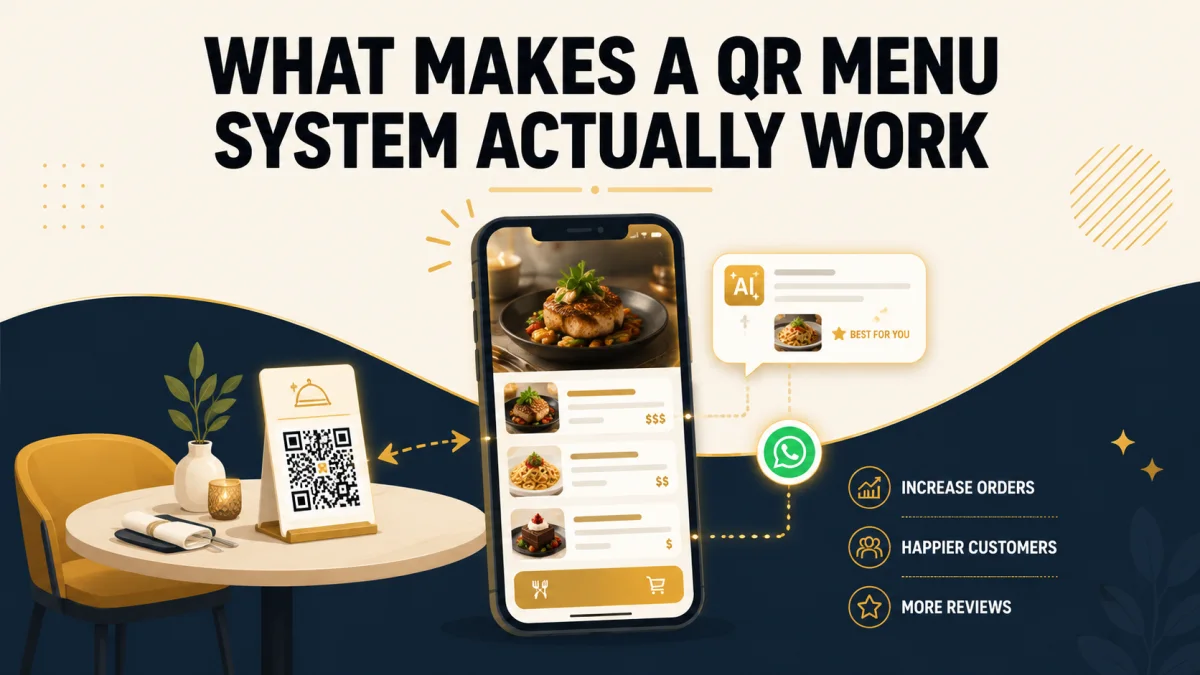
Not all QR code menus are built the same way. Most tools on the market today follow the same basic formula: you sign up, build your own menu in an editor, generate a QR code, and manage everything yourself from there. That formula works — but it also puts the entire setup burden on you, the restaurant owner, on top of everything else you're already managing.
This guide walks through what separates a genuinely useful QR menu system from a basic one, and where QRMenuNow takes a different approach. If you're new to the concept, our guide on what a QR code menu actually is and how it works covers the fundamentals first.
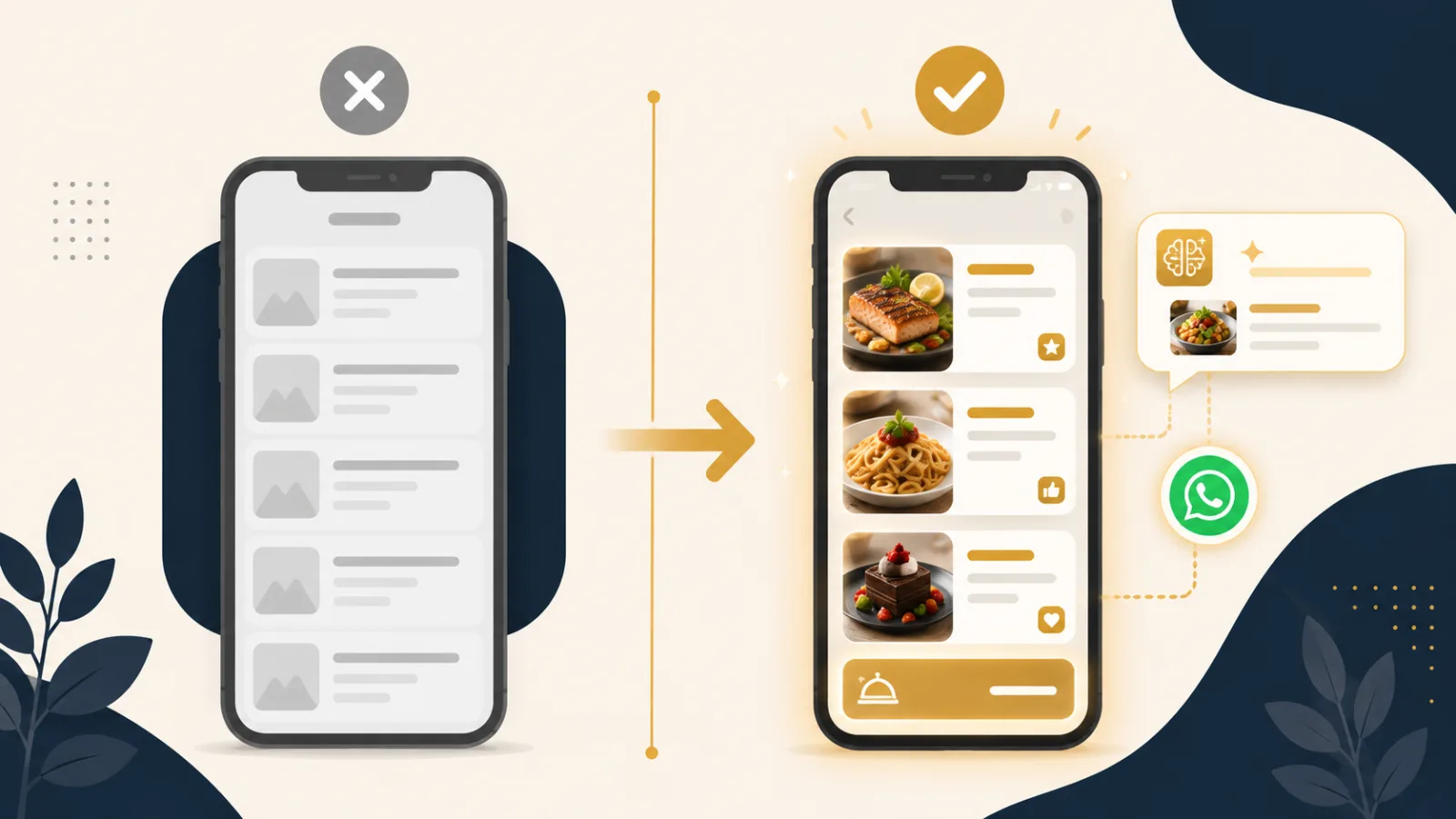
What Separates a Good QR Menu System From a Basic One?
A lot of "QR menus" on the market are really just a PDF with a QR sticker slapped on top. That's technically a digital menu, but it misses almost everything that makes a QR menu genuinely useful for a restaurant.
- ✓Live editing — can you change a price or add a dish without regenerating the code?
- ✓Who builds it — do you build the menu yourself, or does someone build it for you?
- ✓Ordering, not just display — can a guest actually order through it, or only look?
- ✓Language support — how many languages, and how easy is it to add more?
- ✓What happens after a scan — does the system learn anything from guest behavior, or does it just display a static page?
Where Traditional QR Menu Systems Fall Short
You Build Everything Yourself
Most platforms hand you an editor and expect you to structure categories, write descriptions, upload photos, and set up translations on your own. For a restaurant owner already juggling staff, suppliers, and service, that's real time taken away from actually running the restaurant.
Display Only, No Ordering Channel
A large share of QR menu tools stop at showing the menu — the guest still has to flag down a server to place an order. That's better than paper, but it misses the bigger opportunity: letting the guest order directly, the moment they're ready.
No Real Upsell Logic
Even among tools that do support ordering, most just show a static list. There's no attempt to suggest a drink that pairs with a dish, or a side that guests often add — the kind of upsell a good server would offer naturally, but that a static menu can't replicate.
Reviews Left Entirely to Chance
Most systems have no connection to your online reputation at all. Whether a guest leaves a 5-star review or a 1-star complaint on Google is left completely up to chance, with no way to route feedback before it goes public.
How QRMenuNow Approaches It Differently
We Build It, You Approve It
Instead of handing you an empty editor, you send us your menu and photos, and our team builds, prices, and translates the entire thing for you at no extra charge. You review the finished result and approve it — no learning curve, no hours spent formatting categories. For the exact step-by-step breakdown, see how a QR code menu gets created for your restaurant.
WhatsApp Ordering, Not Just Display
Guests can place an order directly through WhatsApp — the app most of them already have open, rather than a new interface they've never used. Orders land straight in your restaurant's WhatsApp, with no separate app for staff to check.
AI-Powered Upsell
When a guest adds an item to their cart, the system automatically suggests something that pairs well with it — the digital equivalent of a server asking "would you like a drink with that?" This typically lifts order value by 15-25%.
Reviews That Work in Your Favor
Guests who rate their experience 4 or 5 stars are automatically directed to leave a public Google review. Guests who rate it 3 stars or lower are routed to a private form instead, so you hear about the problem directly — before it ever becomes a public review. For the full strategy behind this, see our guide on how to get more Google reviews for your restaurant.
Is This Approach Right for Your Restaurant?
This approach isn't the right fit for everyone. If you enjoy building and customizing your own menu layout, or your guests are used to ordering through a different channel than WhatsApp, a self-serve platform might genuinely suit you better.
It's a strong fit if you'd rather hand over your menu content and get a finished product back, and especially if WhatsApp is already how your guests communicate with you — which is the everyday reality for most restaurants and hotels across the Caucasus, the Middle East, and large parts of Asia.
Frequently Asked Questions
Do I have to do anything technical to get started?
No. You send over your menu items, prices, and any photos you have, and our team handles the build, translation, and setup. Once it's ready, you can make small changes yourself through the admin panel — no technical skill required.
Does WhatsApp ordering replace my POS system?
No — it works alongside it. Orders come in through WhatsApp, and your staff processes them the same way they'd handle any other order, whether that's ringing it into your POS or handling it manually.
Can I still get negative feedback if something goes wrong?
Yes — that's the point. Instead of that feedback becoming a public review, it comes to you directly and privately, giving you the chance to actually fix the issue with the guest.
Conclusion
A QR code is the easy part — almost any tool can generate one. What actually matters is everything behind it: who builds the menu, whether guests can order through it, and whether the system helps you sell more and protect your reputation, or just displays a list of dishes.
Send us your menu, and let QRMenuNow's team build, translate, and deliver it fully ready — with WhatsApp ordering, AI upsell, and review protection built in. Request a free demo.