Running a restaurant means constantly solving for time, cost, and guest experience — often all three at once. A QR code menu touches all of them, but most guides on the topic either oversell it or bury the practical details under marketing fluff. This one won't.
What a QR Code Menu Actually Is
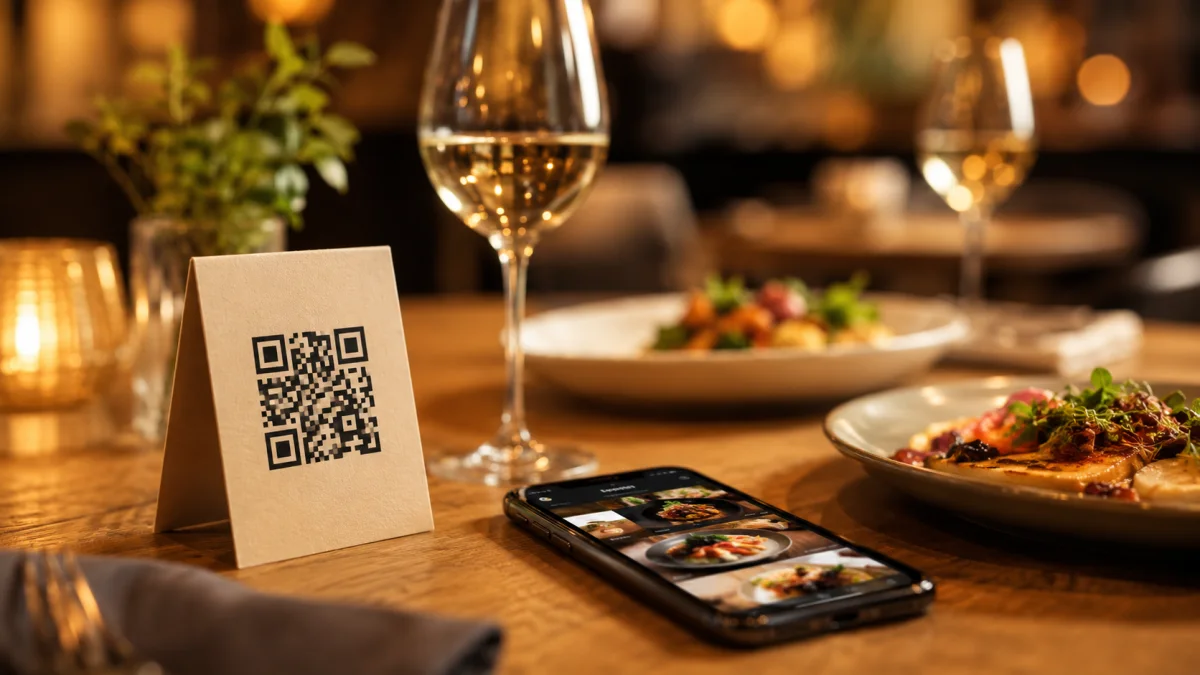
A QR code menu is a scannable code placed on your table, wall, or receipt that opens your digital menu on a guest's phone — no app download, no waiting for a server to bring the physical menu. Guests land directly on your dishes, prices, photos, and descriptions.
The shift from "nice to have" to table stakes happened fast. QR code menus have become commonplace across restaurants of every size, and for most guests, scanning a code to see the menu is now a familiar, unremarkable part of sitting down at a table.
The Real Reason It Saves You Money
The obvious win is printing costs. A single laminated menu cover can run $10–$50, and that's before you factor in reprints every time you change a price or swap a dish. With a digital menu, you update once and it's live everywhere instantly.
But the less obvious win is order value. Digital menus make upselling feel natural, not pushy — guests browse at their own pace, see photos, and add extras without a server hovering nearby.
How to Set It Up (Step by Step)
Most restaurant owners overthink this. Here's the actual process:
ost restaurant owners overthink this. Here's the actual process:
- Choose a platform — Pick one that lets you update your menu in real time, not just upload a static PDF. Dynamic menus mean you can 86 a sold-out item in 30 seconds from your phone. Not all QR menu systems are built the same way, so it's worth knowing what separates a genuinely useful one from a basic one.
- Build your menu — Add categories, dish names, descriptions, and photos. Good photos matter more than most owners realize. Even a clean smartphone photo against a neutral background outperforms no photo.
- Generate your QR code — Your platform creates this automatically, linked to your live menu URL.
- Print and place — Table tents, adhesive stickers, or small cards work well. Table placement consistently drives the most scans — guests are already seated and ready to order, which makes it your most valuable placement.
- Test it — Scan from an Android and an iPhone before you go live. Check load speed on a weak connection. If it takes more than 3 seconds, guests will bounce.
What Most Platforms Won't Tell You
Not all QR menus are equal. The critical difference is static vs. dynamic codes. A static code links to a fixed URL — if your menu changes, you'd need a new code. A dynamic code lets you update the destination without reprinting anything. Always use dynamic.
Also pay attention to mobile load speed. Guests who scan a QR code are ready to order right then — they're not patient. A slow menu is worse than no menu, because it actively frustrates someone who was already ready to order.
The Setup Takes Less Than a Day
That's the part most owners are surprised by. You don't need technical skills, a developer, or an IT budget. A good QR menu platform walks you through the entire setup in under an hour. The menu is live the same day.
Once your menu is live, how you design it matters just as much as having it. The psychology behind menu design — where dishes sit, how they're worded, how prices are formatted — can meaningfully shift what guests order.
If you run a cafe, bistro, or full-service restaurant and you're still handing out physical menus, the gap between where you are and where you could be is smaller than you think — and the payoff shows up in the first month.