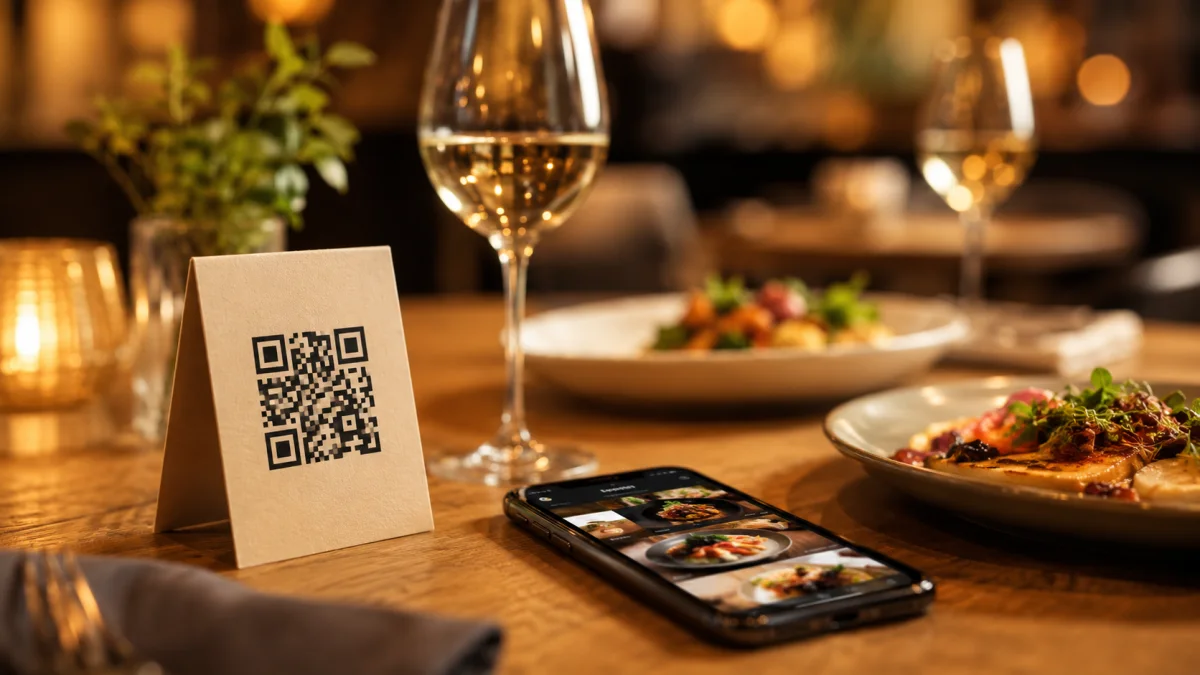
Running a restaurant means constantly solving for time, cost, and guest experience — often all three at once. A QR code menu touches all of them, but most guides on the topic either oversell it or bury the practical details under marketing fluff. This one won't.
What a QR Code Menu Actually Is
A QR code menu is a scannable code placed on your table, wall, or receipt that opens your digital menu on a guest's phone — no app download, no waiting for a server to bring the physical menu. Guests land directly on your dishes, prices, photos, and descriptions.
The shift from "nice to have" to table stakes happened fast. More than 75% of restaurants worldwide now use QR codes for digital menus, and the numbers behind guest behavior back it up: 9 in 10 diners now scan QR codes weekly in restaurants, making it the primary touchpoint between guests and your offering.
The Real Reason It Saves You Money
The obvious win is printing costs. A single laminated menu cover can run $10–$50, and that's before you factor in reprints every time you change a price or swap a dish. With a digital menu, you update once and it's live everywhere instantly.
But the less obvious win is order value. Restaurants using QR code systems see up to 60% increases in average order value — because digital menus make upselling feel natural, not pushy. Guests browse at their own pace, see photos, and add extras without pressure.
How to Set It Up (Step by Step)
Most restaurant owners overthink this. Here's the actual process:
ost restaurant owners overthink this. Here's the actual process:
- Choose a platform — Pick one that lets you update your menu in real time, not just upload a static PDF. Dynamic menus mean you can 86 a sold-out item in 30 seconds from your phone.
- Build your menu — Add categories, dish names, descriptions, and photos. Good photos matter more than most owners realize. Even a clean smartphone photo against a neutral background outperforms no photo.
- Generate your QR code — Your platform creates this automatically, linked to your live menu URL.
- Print and place — Table tents, adhesive stickers, or small cards work well. Table-mounted codes account for 60% of all restaurant scans — so the table is your most valuable placement.
- Test it — Scan from an Android and an iPhone before you go live. Check load speed on a weak connection. If it takes more than 3 seconds, guests will bounce.
What Most Platforms Won't Tell You
Not all QR menus are equal. The critical difference is static vs. dynamic codes. A static code links to a fixed URL — if your menu changes, you'd need a new code. A dynamic code lets you update the destination without reprinting anything. Always use dynamic.
Also pay attention to mobile load speed. 59% of smartphone users now scan QR codes daily — they're not patient. A slow menu is worse than no menu, because it actively frustrates someone who was already ready to order.
The Setup Takes Less Than a Day
That's the part most owners are surprised by. You don't need technical skills, a developer, or an IT budget. A good QR menu platform walks you through the entire setup in under an hour. The menu is live the same day.
If you run a cafe, bistro, or full-service restaurant and you're still handing out physical menus, the gap between where you are and where you could be is smaller than you think — and the payoff shows up in the first month.